
And Why Your BI Environment Probably Needs One
There is a moment that happens in almost every organization that has invested seriously in Business Intelligence.
The tools are working. The data is there. The dashboards exist. And yet, somehow, people still can’t find what they need. They open tickets. They ask colleagues. They export sensitive data from CRM/ERP to Excel. They make decisions based on the revenue_v2.xlsx they have built manually, because navigating the actual system feels like more trouble than it’s worth.
The tools weren’t the problem. The access to them was.
This is the problem a Unified Access Layer solves. And if you’ve never heard the term before, you’ve almost certainly felt the problem it describes.
What a Unified Access Layer Actually Is
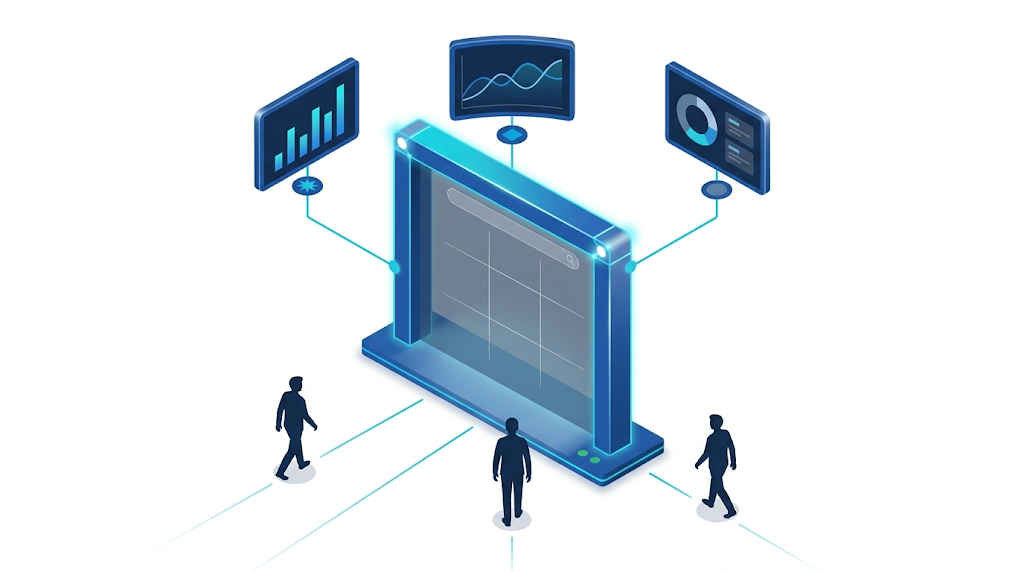
A Unified Access Layer is a single interface that sits in front of all your analytics environments and gives every user one consistent, organized place to find and interact with everything, reports, dashboards, KPIs, and applications, regardless of which BI platform they were built on.
It doesn’t replace Qlik, Power BI, or Tableau. It doesn’t touch your data or your business logic. It sits in front of all of them and handles what those platforms were never designed to handle on their own: the experience of actually getting to the content.
Users log in once. They find what they need. They get to work.
That’s the entire concept. Simple in principle. Surprisingly rare in practice.
Why the Access Problem Is Bigger Than It Looks
Most organizations treat access as an afterthought. The investment goes into the data architecture, the modeling, the visualization. The assumption is that once the dashboards exist, users will figure out how to get to them.
They don’t. Or rather, they do but at a cost that nobody is measuring.
A user who can’t find a report opens a ticket. A user who doesn’t know which platform has the right data asks a colleague. A user who gets frustrated enough stops trying and makes decisions without the data entirely. Each of those outcomes is a failure of access, not a failure of analytics.
The downstream cost lands on the data team. Industry research consistently shows that BI analysts spend between 25 and 50 percent of their time answering routine questions that the business should be able to answer themselves. Password resets, navigation help, “which tool has this report”, none of it requires an experienced analyst. All of it consumes one.
When access is organized, that dynamic reverses. Users become genuinely self-sufficient. The data team stops functioning as a help desk and starts functioning as a strategic function.
What Makes a Unified Access Layer Work
Not every solution that claims to unify access actually does. The difference between one that works and one that creates more complexity lies in a few specific qualities.
The first is simplicity. The interface has to be immediately intuitive to someone who has never used it before. If a business user needs training to navigate the access layer, the access layer has failed. The measure is simple: can someone find what they need in under thirty seconds, on their first session, without help?
The second is search. A well-built Unified Access Layer includes metadata-driven search that works across all connected BI platforms simultaneously. A user searching for “regional sales Q3” shouldn’t need to know whether that report lives in Qlik or Power BI. The search should surface it regardless, with enough context to confirm it’s the right one before they open it.
The third is organization. Reports and dashboards should be categorized, tagged, and arranged in a way that reflects how the business actually thinks, not how the IT team organized the BI platform backend. Users should be able to create favorites, set personal folders, and return directly to the content they use most without navigating from scratch every time.
The fourth is branding. A generic interface carrying a third-party vendor’s logo doesn’t inspire confidence. When the access layer reflects the organization’s own identity, colors, logo, navigation style, users experience it as something built for them, not rented from someone else. That distinction is subtle and surprisingly powerful in terms of adoption.
The fifth is security. Single Sign-On, role-based content visibility, full audit logging, and compatibility with existing identity providers like Microsoft Entra are non-negotiable at enterprise scale. The access layer has to be a secure gateway, not an open door.
How It Changes Day-to-Day Operations
For business users: The experience becomes consistent for the first time. Instead of remembering which URL holds which report and which password goes where, they land in one organized environment. The reports they use most are in their favorites. New content is findable in seconds. The friction of access disappears and engagement with analytics increases naturally, not because anyone told them to use the data more, but because getting to it stopped being a barrier.
For data teams: The support ticket volume drops. Not gradually, structurally. When users can navigate independently, the routine questions stop reaching the data team. The hours that were going to password resets and navigation guidance go back to analysis, modeling, and the strategic work that the function was actually hired to do.
For migrations: A Unified Access Layer changes the dynamics of modernization entirely. When the access point is separate from the underlying platforms, those platforms can be migrated, upgraded, or replaced without users ever experiencing disruption. Old and new environments run in parallel behind the same front door. Users see nothing change. The migration progresses without generating a single support ticket related to access confusion. This is how organizations finally finish migrations instead of living in permanent transition.
For leadership: Adoption metrics improve. License utilization improves, because when access is easy, the platforms that organizations are already paying for actually get used. And for companies that embed analytics into products or services they deliver to clients, a branded, professional access layer communicates credibility in a way that a generic third-party interface never can.
When Does the Investment Make Sense?
The honest answer is: earlier than most organizations think.
The instinct is to wait until the environment is complex enough to justify it, until there are enough platforms, enough reports, enough users that the chaos becomes undeniable. But organizations that wait until it’s undeniable are already absorbing the cost of fragmented access: in support tickets, in low adoption, in decisions made without data because accessing it was too much friction.
The organizations that build the access layer before the chaos sets in create environments where good habits develop from the start. New platforms can be added without creating new confusion. Migrations become routine rather than existential. Users never develop the muscle memory of navigating fragmentation because they never experienced it.
There is no wrong time to build a front door. There is only the cost of not having one.
The ROI Question
Executives asking whether a Unified Access Layer is worth the investment are asking the right question. And the math is more direct than it might appear.
The savings side includes: hours recovered by the data team from routine support requests; time saved by business users who previously navigated multiple systems to find what they needed; licensing efficiency from platforms that actually get used; and reduced risk in migration projects that can now proceed without operational disruption.
The value side includes: better decisions made faster because access to the right data is no longer a barrier; higher adoption across the analytics investment the organization has already made; and the credibility that comes from delivering a professional, branded analytics experience to internal teams or external clients.
The investment in a Unified Access Layer is typically modest relative to what organizations are already spending on the BI platforms underneath it. The question isn’t whether it pays for itself. It’s how quickly.
What a Unified Access Layer Is Not
It’s worth being direct about the boundaries, because this category gets confused with things it has nothing to do with.
A Unified Access Layer is not a BI tool. It doesn’t perform analysis, build models, or generate visualizations. It doesn’t replace Qlik, Power BI, or Tableau, it makes all of them more usable by giving users one place to reach them.
It is not a data governance platform. It doesn’t manage data quality, enforce metric definitions, or resolve disputes about which number is correct. Those are data layer problems. The access layer assumes the data underneath is governed and surfaces it in a way that users can trust and navigate.
It is not a migration tool. It makes migrations less disruptive and easier to execute, but it doesn’t perform the underlying technical work of moving data or rebuilding logic between platforms.
Knowing what it isn’t is as important as knowing what it is. The value is specific, and it’s real. But it doesn’t solve everything, it solves the access problem, which turns out to be a bigger organizational cost than most teams have ever measured.
What We Built
At DexHub, we spent years working on the data architecture side of this problem: migrations, semantic layers, logic centralization, warehouse builds. The work that happens beneath the surface.
And in that work, we kept running into the same gap at the top. Organizations with genuinely strong data foundations, well-governed platforms, clean pipelines and a front-end experience that was still fragmented, confusing, and generic. Users still didn’t know where to go. Data teams were still fielding navigation questions. Migrations were still creating access disruption.
The unified access layer was what was missing. So we built one.
It connects to Qlik, Power BI, Tableau, and other platforms simultaneously. It supports Single Sign-On through Microsoft Entra and other identity providers. It includes metadata-driven search across all connected environments. It gives organizations full control over the visual identity, their brand, their colors, their navigation structure. It handles parallel environments during migrations so users never feel the transition.
And it deploys in hours, not quarters.
If your organization is managing multiple BI platforms, carrying the cost of a data team that can’t focus on strategy, or preparing for a migration you’ve been putting off because the access disruption feels too risky, this is the conversation worth having.
Talk to us about your data challenge
We help you separate feature work from support, building reliable analytics products that drive real results.